
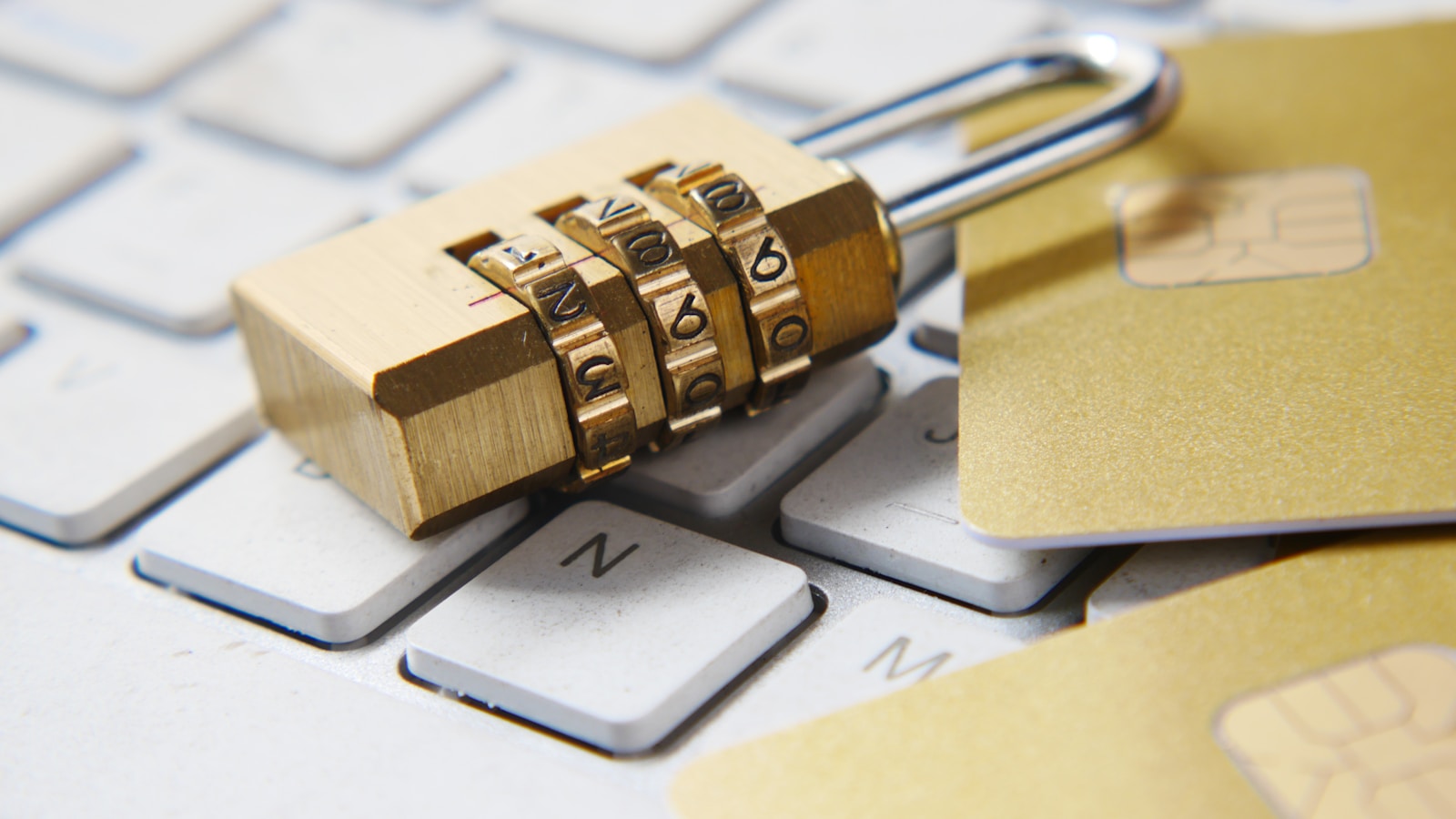
I have moved crypto between eight different wallets over the past six years, and the lesson that cost me the most was the least dramatic one: I got lazy with backups. Not hacked. Not phished. Just lazy. A hard drive died, and a wallet I had funded in 2021 took me three weeks to recover because the recovery phrase existed in exactly one place. That episode reshaped how I set up self-custody, and this guide is the system I now use — the operational side of keeping crypto safe, not the list of scams you have already read about a hundred times.
If you want the threat landscape — the rug pulls, the fake apps, the social-engineering scripts — read our 2026 crypto security guide first. This article picks up where that one stops: you already know what can go wrong. Here is how to build the setup that stops most of it.
Self-Custody Is a Skill, Not a Purchase
Buying a hardware wallet does not make you secure. It converts a hot-wallet problem into a self-custody problem, and self-custody has its own failure modes: lost seeds, corrupted backups, confused heirs, and badly explained recovery steps. Chainalysis estimates that roughly 20% of all mined bitcoin — several million coins — is stranded in wallets whose owners lost access. That is not an attack statistic. That is an operations statistic.
The goal of a good setup is boring: you should be able to lose your phone, your laptop, and your house key, and still recover every asset within a day, without ever typing your seed phrase into anything connected to the internet.
The Four Layers of a Secure Self-Custody Setup
Think in layers. Each layer answers a different question.
| Layer | Question it answers | Minimum viable setup |
|---|---|---|
| Device | Where do private keys live? | Hardware wallet for anything above $500 |
| Backup | What if the device dies? | Seed on steel or paper, two geographically separate copies |
| Access | Who can move funds? | Separate hot wallet for daily spend, capped |
| Recovery | What if you are unavailable? | Written instructions plus a trusted contact who knows the plan |
Most people stop at layer one. The losses happen at layers two and four.
Step 1: Separate Hot and Cold — and Actually Enforce It
A hot wallet is a wallet whose key sits on a device connected to the internet. A cold wallet keeps the key offline. The mistake is not having a hot wallet — it is using one wallet for both everything and daily activity.
My rule: a hot wallet holds no more than one month of spending needs, plus gas. Everything else lives in cold storage. If you trade actively, that is a real constraint, but it is the constraint that keeps a single malicious signature from draining your net worth.
Want to see what a percentage-based split looks like for your own portfolio? Run the numbers through our free portfolio allocator before you decide how much stays liquid.
Step 2: Treat the Seed Phrase Like a Physical Key
The seed phrase is the wallet. Anyone who reads it owns everything. Three rules that are non-negotiable:
- Never type it into a computer, phone, or browser extension. No legitimate wallet, support agent, or “validation tool” ever needs it. The only place it belongs is the device itself, during initialisation or recovery.
- Never photograph it. Cloud photo backups sync to more places than you think.
- Never split it in a way you cannot reconstruct. Clever schemes (two of three words here, one there) are how people lose coins permanently.
For steel backups, stamp the words into metal. Paper burns, floods, and fades; steel survives all three. The point is not paranoia — it is that a $40 metal plate protects a portfolio that could be worth six figures.
Step 3: Run a Recovery Drill Once a Year
This is the step nearly everyone skips. A backup you have never tested is a hypothesis, not a backup.
Once a year, take a spare hardware wallet (or the same one, reset and restore) and restore from your seed. Verify the first address matches, then check your balances on a block explorer. Doing this calmly on a Sunday afternoon is very different from doing it in a panic after a device fails.
While you are at it, confirm the addresses you expect to see. Address-verification is also your defence against clipboard malware and compromised browser extensions — a class of attack that costs users millions every year without ever touching a seed phrase.
Step 4: Harden the Devices That Touch Crypto
Your wallet is only as safe as the machine you use it from. A clean, dedicated approach beats an expensive one:
- Use a dedicated browser profile for exchange and wallet access. No extensions except the ones you actually need, and audit those quarterly.
- Turn on hardware-key 2FA (FIDO2/WebAuthn) everywhere it is offered. App-based codes are already a downgrade from a physical key.
- Never use SMS 2FA for exchanges if a better option exists. SIM-swap attacks remain one of the cheapest ways to defeat an otherwise solid setup.
- Bookmark the exchange URLs you use. Do not reach them via search results or email links — that is how phishing domains get you.
If you are not sure which platform deserves your trust in the first place, compare fee and security postures in our 2026 exchange comparison before you commit funds.
Step 5: Plan for the Day You Are Not Around
The layer everyone postpones. If you hold meaningful crypto, someone needs to be able to recover it if you are incapacitated or worse. That does not mean handing over your seed today. It means writing a sealed letter that explains: where the devices are, where the backups are, which wallets hold which assets, and the exact steps to recover — kept with a lawyer, a safe, or a trusted person who understands they must never act alone.
For the terminology involved, keep a plain-English reference handy: our crypto glossary explains seed phrase, private key, cold storage, and address verification in one line each, which is exactly what a non-expert helper needs.
A Quick Security-Setup Checklist
- Hardware wallet owns everything above your spending buffer.
- Hot wallet capped at roughly one month of spend.
- Seed phrase offline, on steel, two separate locations.
- Recovery drill completed at least once in the last 12 months.
- Hardware-key 2FA on every exchange and email account that protects them.
- Dedicated browser profile, minimal extensions, bookmarked URLs.
- Sealed recovery letter placed with a trusted party.
- Address verification before every large transfer.
If you can tick all eight, you are in the top few percent of self-custody hygiene. Most people cannot get past item three.
Frequently Asked Questions
Is a hardware wallet really necessary?
For anything you cannot afford to lose, yes. Software wallets keep keys in a place that malware can reach. A hardware wallet keeps the key off the internet entirely and only signs transactions you physically confirm.
How many copies of my seed phrase should exist?
Two, stored in two separate physical locations you control. One copy is a single point of failure; more than two multiplies your exposure without adding much real safety.
What if I forget my seed phrase?
There is no recovery. No support team, exchange, or government can restore it. This is precisely why the backup — and the annual drill — matter more than the device itself.
Is it safe to store crypto on an exchange?
It is a trade-off, not a yes/no. Exchanges are convenient and are the right place for active trading balances, but the coins are only as safe as the platform. Keep long-term holdings in self-custody and only what you are actively trading on an exchange.
How much should I keep in a hot wallet?
A workable rule is one month of spending needs plus enough for fees. If the number ever makes you nervous, the number is too high.
The Bottom Line
Security is not a product you buy once; it is a small set of habits you maintain. Separate your hot and cold balances, treat the seed phrase as a physical key, run one recovery drill a year, harden the devices you touch, and write down the plan for the day you cannot. Do those five things and you have eliminated the overwhelming majority of ways people actually lose crypto — the unglamorous ones.
Disclosure: Some links on this page may be affiliate links. If you purchase through them, we may earn a commission at no extra cost to you. Read our full disclosure.
Put this into practice: Nail down how much should stay liquid versus cold before you move anything. Our free portfolio allocator turns your target allocation into concrete numbers in under a minute.

Written by Guru Tony
Guru Tony is a cryptocurrency analyst and educator with over seven years of hands-on experience in blockchain technology, DeFi, yield strategies and crypto tax. He builds the free calculators on this site and tests every strategy he writes about with his own capital. Read more about our editorial approach.